Features / Launcher
The launcher is the main menu.
Everything before, between and after the chapters happens in one place made for the couch. The launcher works with a controller, the keyboard or the mouse, speaks ten languages, and looks and sounds like the game, using your own copy of it.
First setup
A first setup that does it all.
- Pick your disc image: a card says exactly which disc works, and the launcher checks it and installs the game.
- The graphics are prepared once, with one progress bar.
- Two optional downloads, each explained on its own page: the HD texture pack (2.6 GB) and the PS2 cutscenes (1.9 GB). Have a texture pack as a ZIP? Import it.
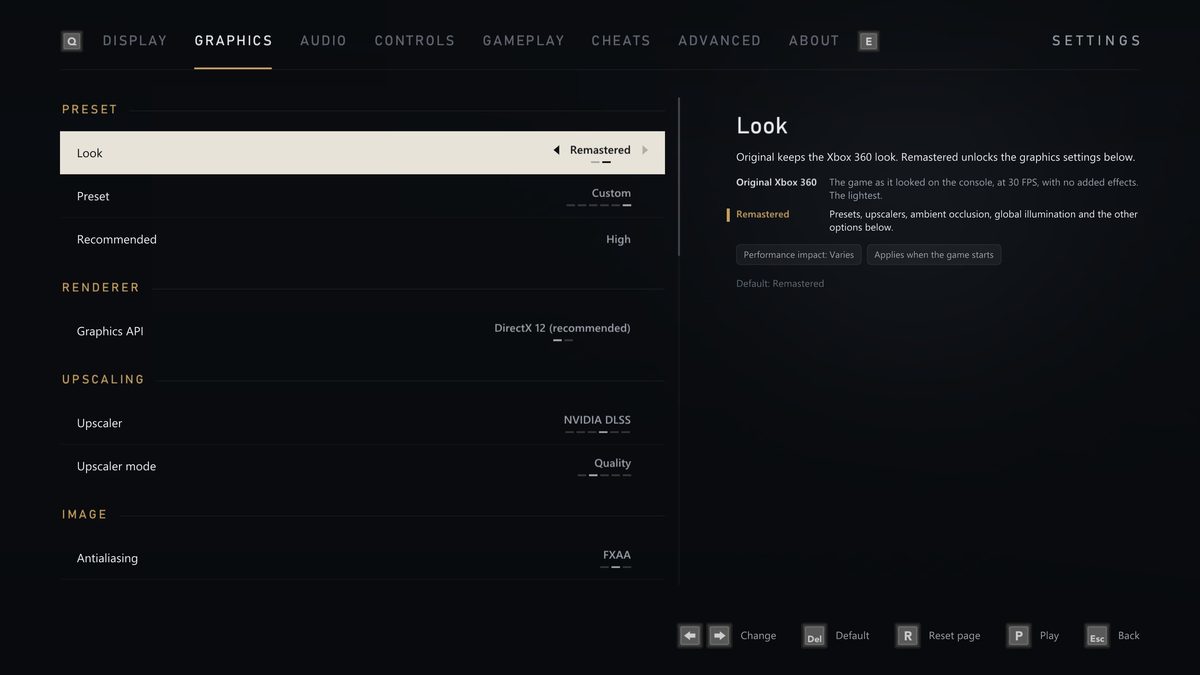
- Four pages of graphics options with side-by-side pictures made from your own copy of the game: graphics API, display mode, resolution, frame rate, upscaler, lighting and effects.
- Your button prompts, with a picture of each style, or keyboard and mouse. Then Add to Steam, the Discord, and the main menu.
Settings
Settings that explain themselves.
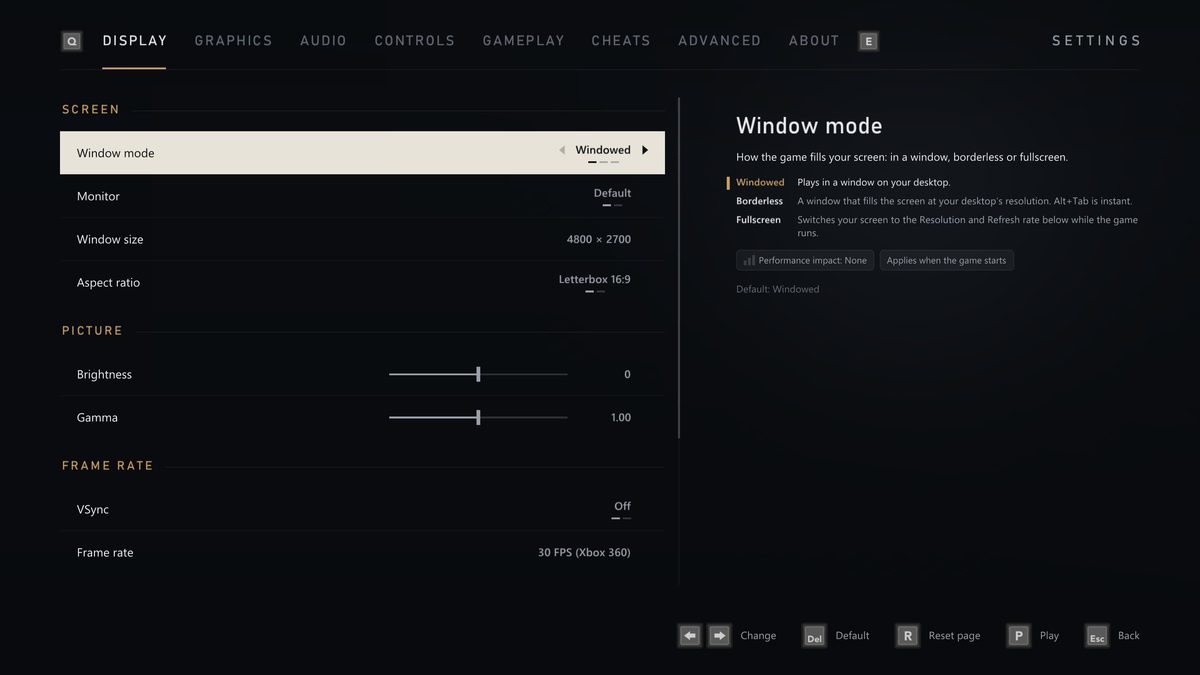
Settings has eight tabs, in the order most PC games use: Display, Graphics, Audio, Controls, Gameplay, Cheats, Advanced and About. The panel beside them explains each setting: what it does, what you will notice in the game, what each option changes, what it costs in performance and video memory, and when a change takes effect. It works the same in the launcher and the pause menu.
Every page has Reset page, and Use recommended for my PC sets the graphics up for your hardware.
Updates and downloads
Updates and downloads.
- When a new version is out, the launcher offers it as it opens. Update now installs it, and What's new tells you what is in it. Your game, saves and settings stay as they are.
- Texture packs and the PS2 cutscenes download with Pause, Run in background and Cancel, carry on after a lost connection or a restart, and are checked before they are installed.
- With Notify me when downloads finish on, a system notification tells you when a download in the background is done, on Windows and Linux.
Steam and Discord
Steam, Discord and achievements.
- Add to Steam puts the game in your Steam library as a non-Steam game, with its artwork, so you can start it from Steam, Big Picture or a Steam Deck.
- Discord status shows on your Discord profile that you are playing King Kong, and for how long. It only talks to the Discord app on your PC.
- The game's achievements are the port's own, with pop-ups in the Xbox 360's style or Steam's and the sound of your choice.
- The launcher speaks ten languages and follows the game's Language setting. In Danish, Dutch, Norwegian, Finnish and Swedish the voices stay in English with subtitles, as on the disc.